The Orders List
The Orders page displays all of your company’s orders in a table format. By default, you’ll see important information like Customer Name, Fulfillment Date, Status, Fulfillment Type, and the Total about each order: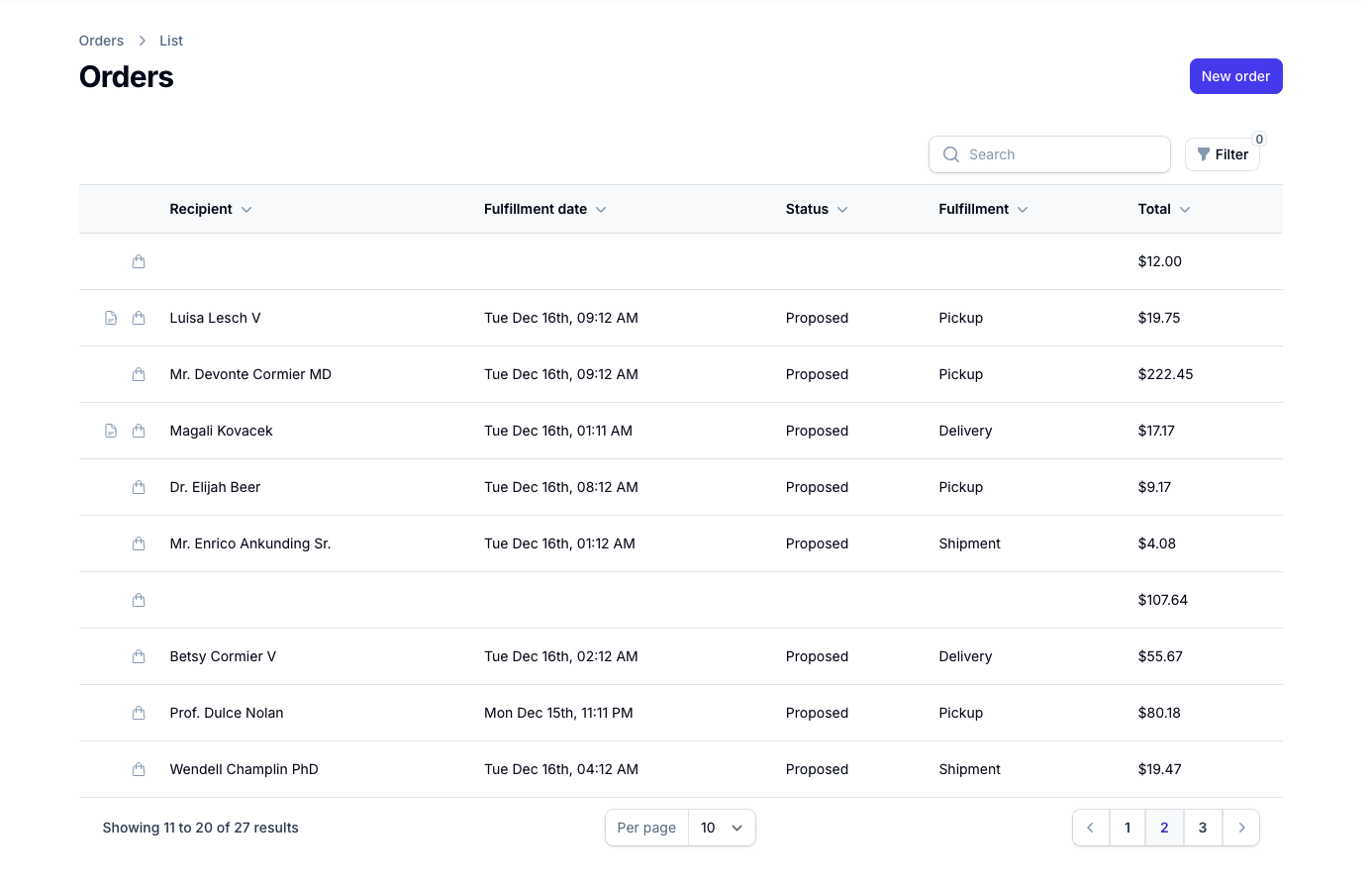
Quick View Details
There are two quick action icons available for each order in the list, allowing you to view important details without opening the full order.View Order Items
To quickly see all line items in an order, click the shopping bag icon next to the order. This opens a popup displaying all products and quantities in that order. If the order is open you can modify the progress of individual items from this popup as well.View Order Notes
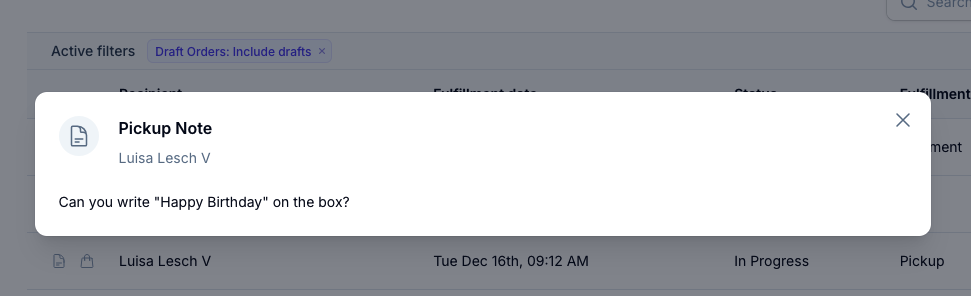
To view any special instructions or notes for an order, click the document icon next to the order. This opens a popup showing the fulfillment: